
Spice Wallpaper Manager
Developer
Karl Kwong
About
THE WORLD'S GREATEST ART ON YOUR DESKTOP
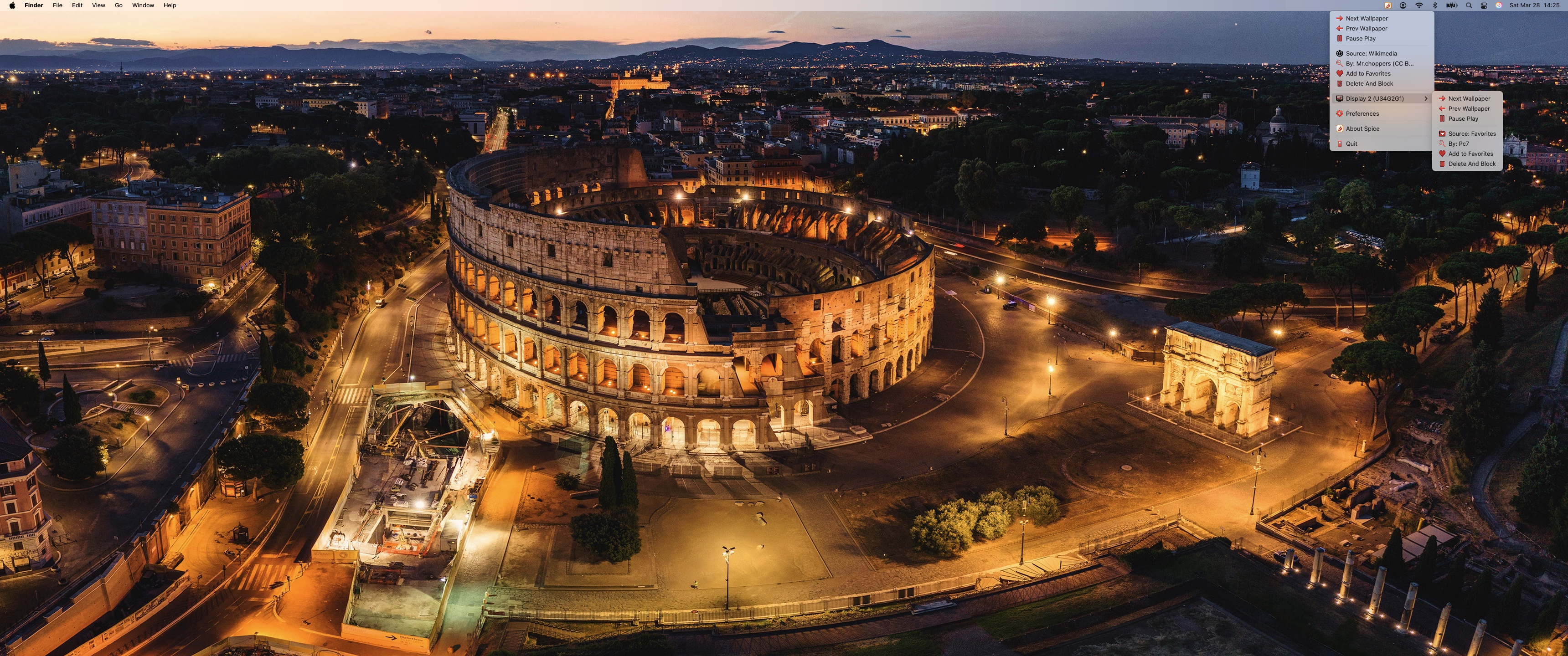
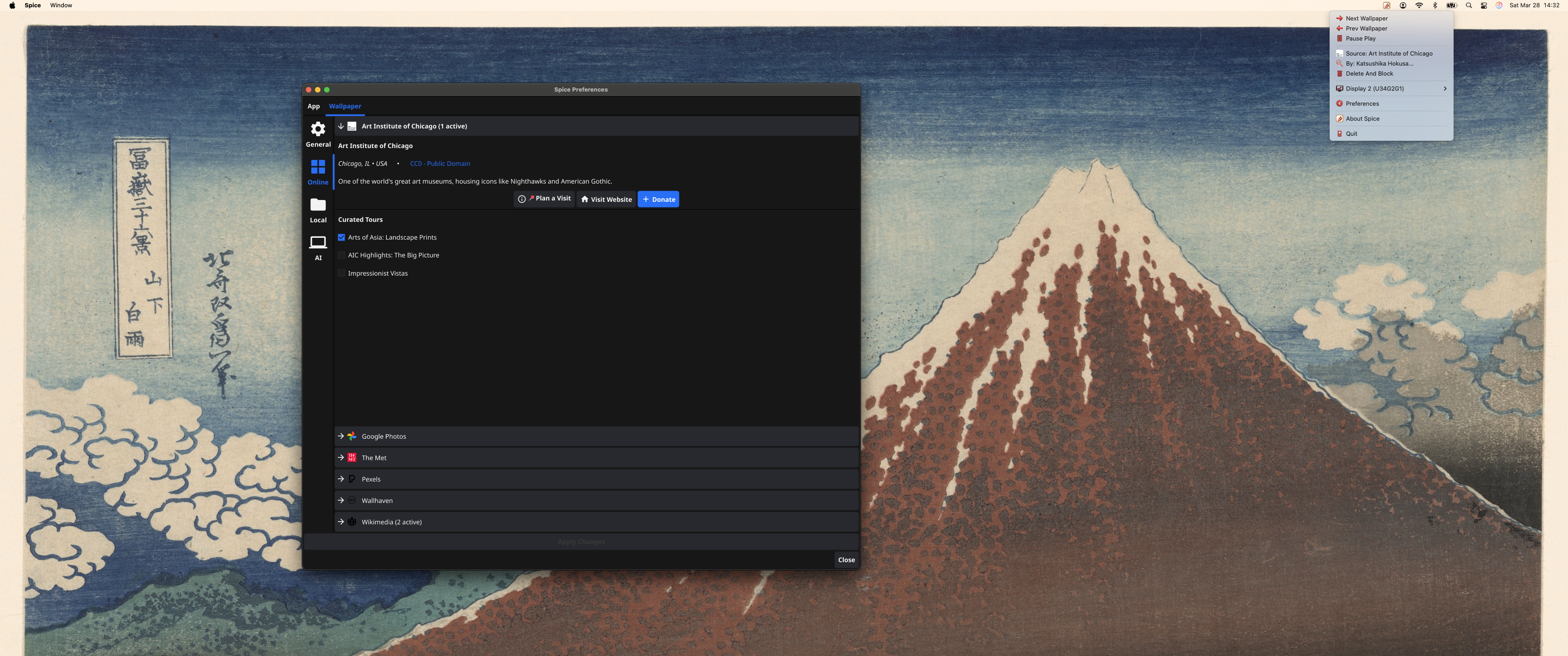
Wake up to Monet. Work alongside Van Gogh. Wind down with Hokusai. Spice automatically cycles your Mac's wallpaper through curated masterpieces and stunning photography, delivering fresh inspiration to your display every day.
Designed for professionals, artists, and minimalists, Spice is a refined focus tool that elevates your workspace without distracting from it. Built natively and optimized for Apple Silicon, it operates silently in your Menu Bar, ensuring zero impact on your battery life and preserving your system's performance.
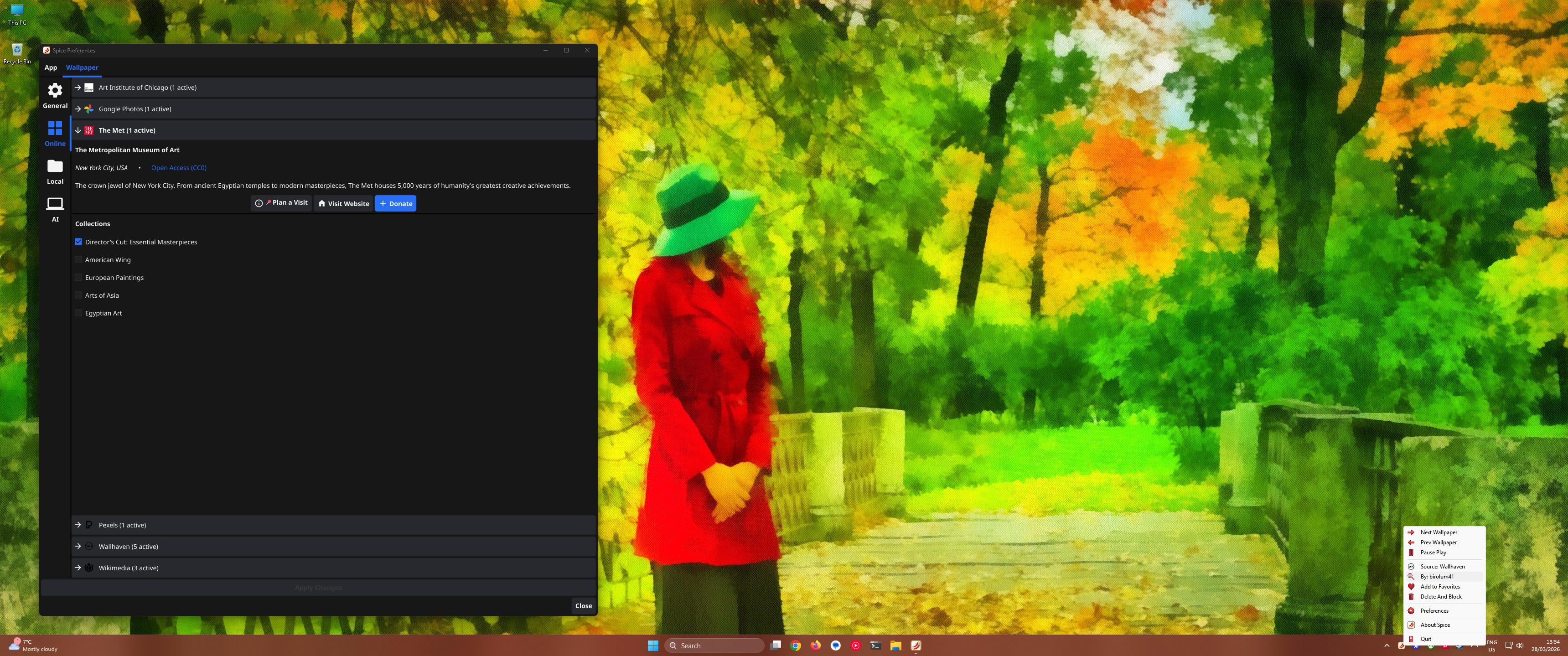
BEYOND STANDARD BACKGROUNDS Connect directly to the cultural heritage of humanity. Cycle through ancient artifacts, Renaissance paintings, and modern design archives from the Metropolitan Museum of Art, the Art Institute of Chicago, the Rijksmuseum, and the Cleveland Museum of Art.
YOUR CURATED ROTATION Blend world-class museum collections with handpicked, high-resolution photography from Wallhaven, Pexels, and Wikimedia Commons. Prefer your own collection? Point Spice to your local Mac folders or link your Google Photos library. As you discover new masterpieces, save them to your Favorites to build a gallery that is uniquely yours.
KEY FEATURES: • 100% Local Processing: No central servers or cloud tracking. Your desktop and data stay entirely on your device. • Extensive Integrations: Built-in access to The Met, Art Institute of Chicago, Rijksmuseum, Cleveland Museum of Art, Wallhaven, Pexels, and Wikimedia Commons. • Your Personal Collections: Seamlessly link your Google Photos library, point to local Mac folders, and curate a persistent gallery with the built-in Favorites collection. • On-Device AI Framing & Crop Anchors: Intelligent local algorithms perfectly frame every subject on any monitor. Want total control? Use Crop Anchors to manually lock focus points. • Multi-Monitor Native: Configure independent schedules, collections, and resolutions for your MacBook and external displays. • Instant Hotkeys: Shuffle your desktop, view artwork details, set crop anchors, or manage your rotation instantly with native keyboard shortcuts. • Apple Silicon Optimized: An incredibly lightweight Menu Bar app engineered to protect your battery life. • Open Source: Fully transparent and community-driven.
Your workspace, elevated.

Installation
You can install this directly from the source code using the Fyne command as follows:
Or you can download the code directly from git: