
Gaze
Developer
Amirreza Saadi
About
Gaze is a small, keyboard-first text editor for the desktop, built with Go and Fyne. It keeps a monospaced editing surface and the day-to-day features you actually reach for, without plugins or bloat.
Features:
- New, Open, Save and Save As with native dialogs and an unsaved-changes guard
- Atomic saves that write a synced temp file and rename it over the target, so a crash cannot truncate your file
- Autosave snapshots plus session restore: reopen the last file and caret position after a crash
- Recent files list, and drag & drop a file onto the window to open it
- Find & replace with wrap-around, match case, regex and $1 capture groups, plus a persisted search history
- Go to line, or open file:line:col straight from the command line
- Line operations: indent/outdent, move line up/down, duplicate line
- Line-ending aware: CRLF/CR files are normalised for editing and restored on save
- Undo/redo, word wrap, font zoom, optional trim-trailing-whitespace on save
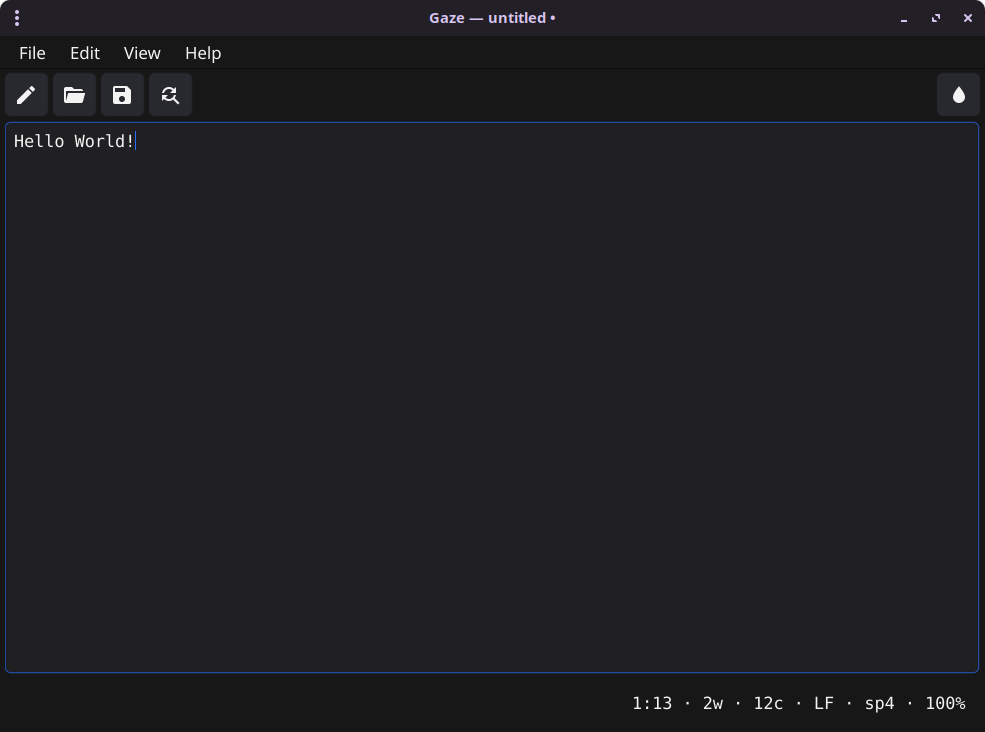
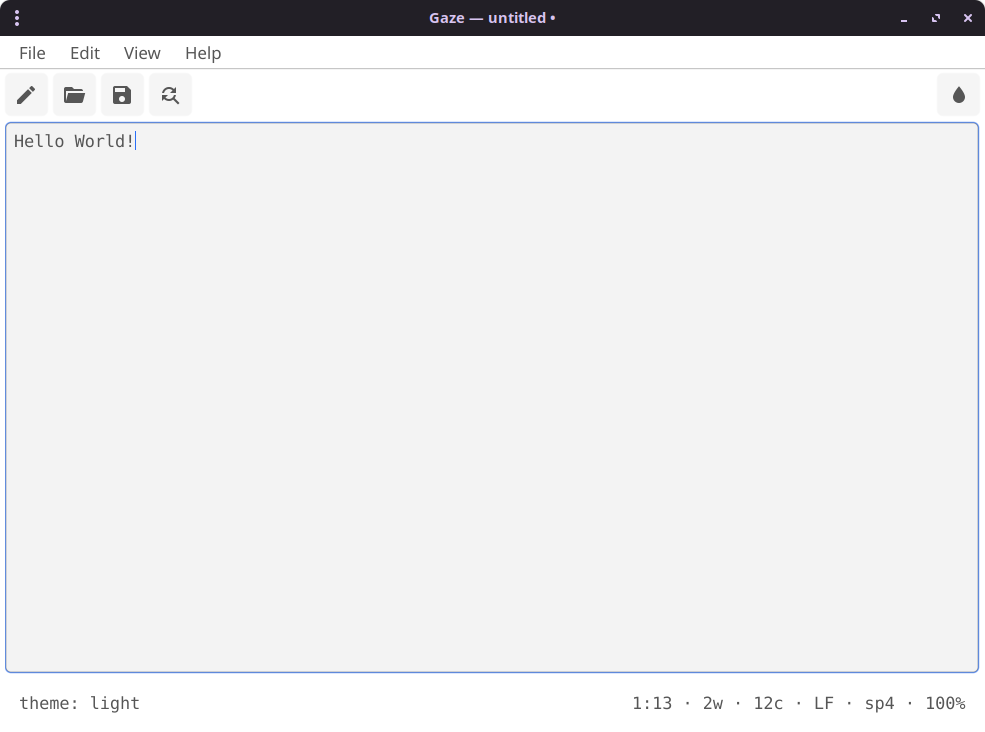
- Light and Dark themes, with window size, theme and preferences persisted between runs
- Live status bar showing line:col, words, chars, EOL, indent and zoom
Gaze runs on Linux, Windows and macOS. Download the latest build or build it yourself for your platform from the releases page, then run!
Installation
You can install this directly from the source code using the Fyne command as follows:
go install fyne.io/tools/cmd/fyne@latest
fyne install github.com/AmirrezaSaadi/gaze-editor/@latest
Or you can download the code directly from git:
git clone https://github.com/AmirrezaSaadi/gaze-editor/