OpenLAMT
Developer
Michael Mayer
About
OpenLAMT is a native desktop app for managing PCs with Intel AMT on macOS, Windows and Linux. It talks to your devices directly, without a browser or a server in between.
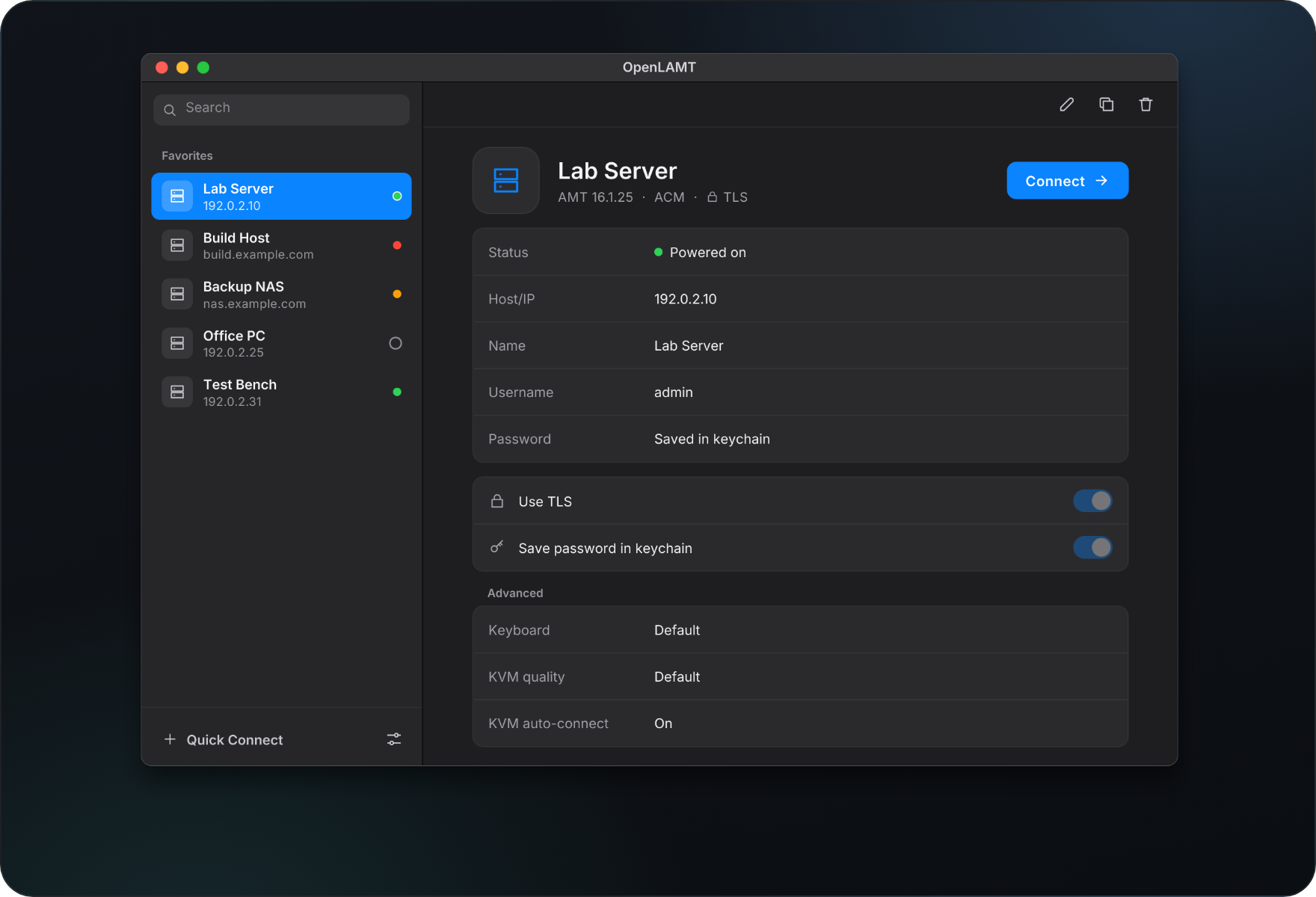
- Favorites keep each device with its settings, a colored dot shows its power state
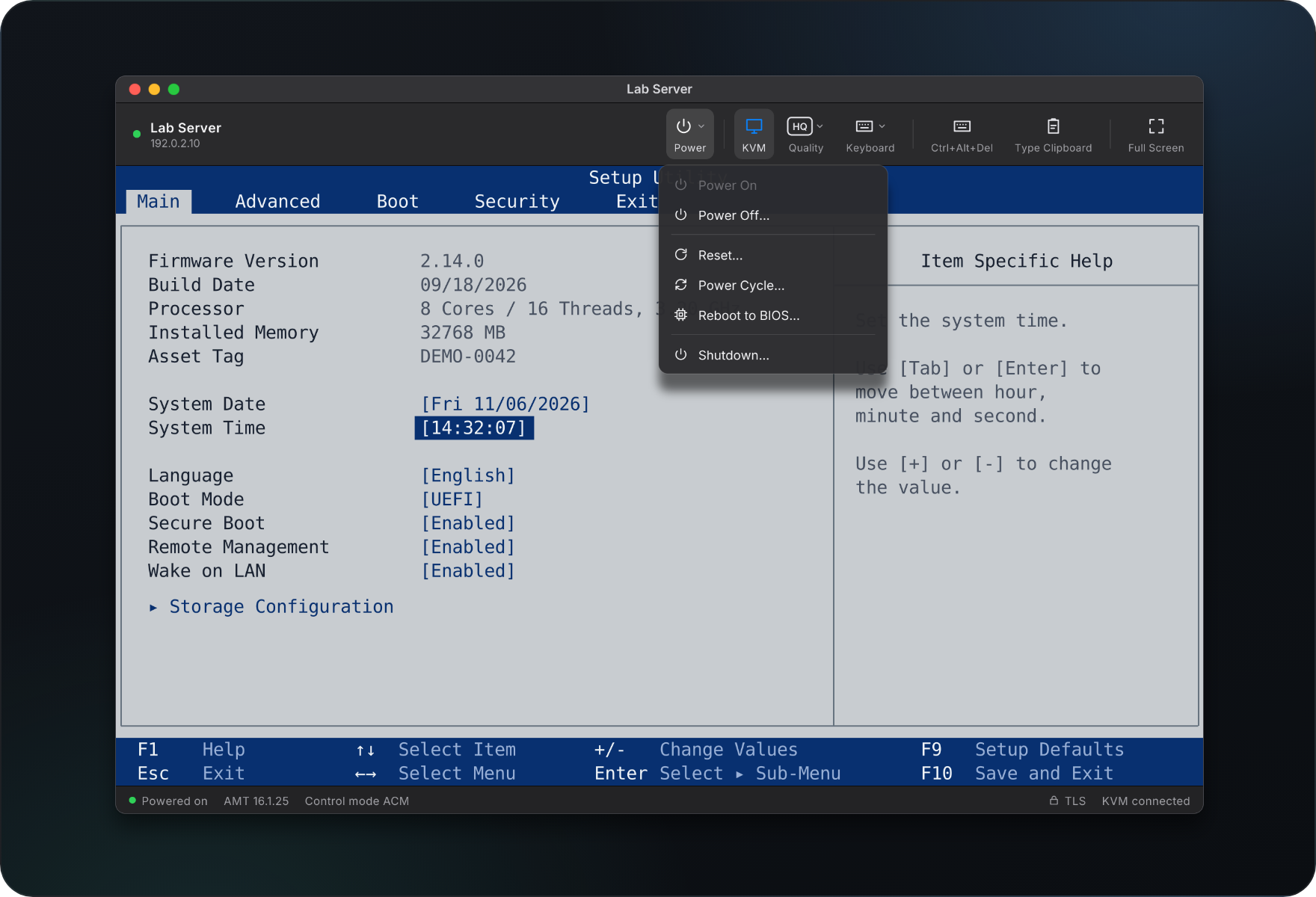
- Power on, power off, reset, power cycle, reboot into BIOS or shut down from one toolbar
- Remote keyboard, video and mouse (KVM) in its own window per device
- Trust on first connect: remembers the TLS certificate fingerprint and stops if it changes
- Passwords stored in the system keychain, never in a file
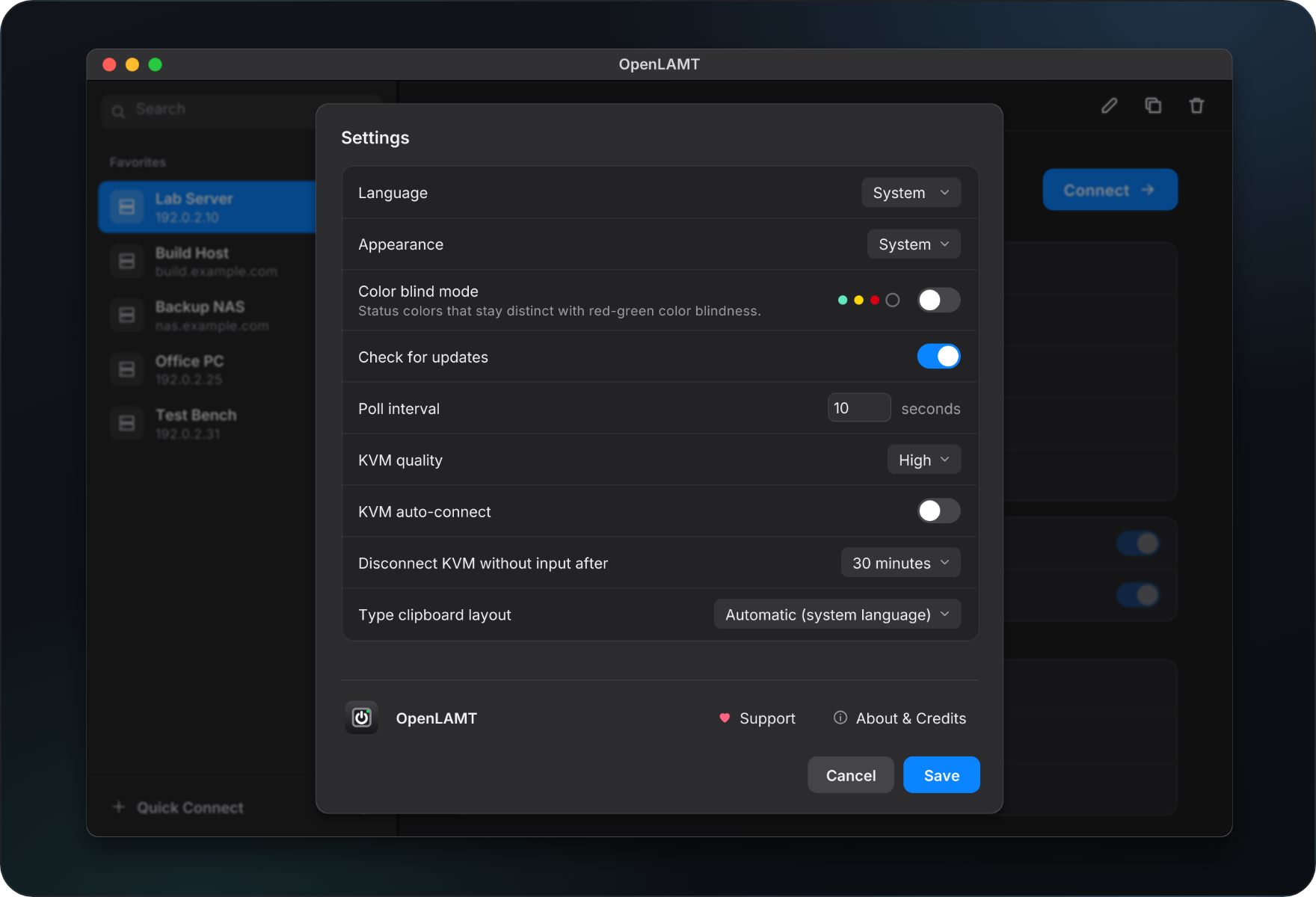
- English and German, light/dark/system appearance, color blind mode, clipboard typing in 16 keyboard layouts
Open source under the Apache License 2.0.
Installation
You can install this directly from the source code using the Fyne command as follows:
go install fyne.io/tools/cmd/fyne@latest
fyne install github.com/Srv-02/openlamt/cmd/openlamt@latest
Or you can download the code directly from git:
git clone https://github.com/Srv-02/openlamt